
01
How much did I sell?
Record cash, card and credit sales. Follow cash movements and daily expenses.
EVERYDAY BOOKKEEPING FOR YOUR SHOP
Sales, stock and customer credit, together. Take care of the day’s work with a clear view of your business.
On your phone and computer. With one account.
LESS CLUTTER. MORE CLARITY.
Bring your everyday shop records together in one workspace.
Record cash, card and credit sales. Follow cash movements and daily expenses.
See your products, purchases and stock levels. Keep an eye on items running low.
Keep customer balances and payment history together. Share a statement through WhatsApp.
ACTUAL APP. QUICK EXAMPLES.
Just 16 seconds each. See how customer balances and profit appear in eMuhasib.
A 50 AZN balance, a 20 AZN payment, and 30 AZN left. See the remaining balance and the payment history.
Open video separately50 AZN in sales − 20 AZN in product cost − 5 AZN in expenses = 25 AZN net profit. An example, not a promise of earnings.
Open video separatelySample data. Silent videos with English explanations. App screens are in Azerbaijani.
TAKE A CLOSER LOOK
Explore real eMuhasib screens. Go from everyday transactions to the bigger picture.
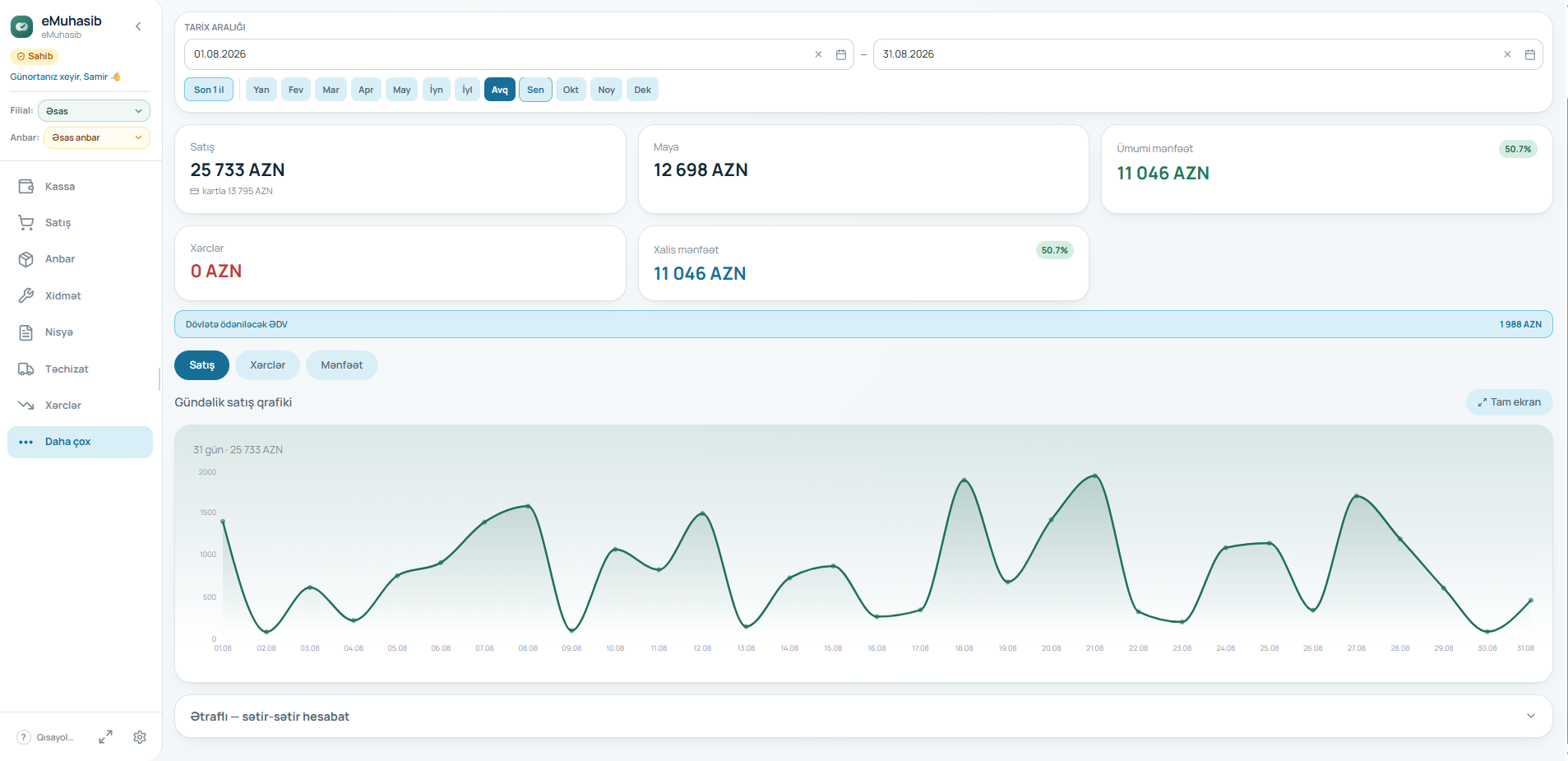
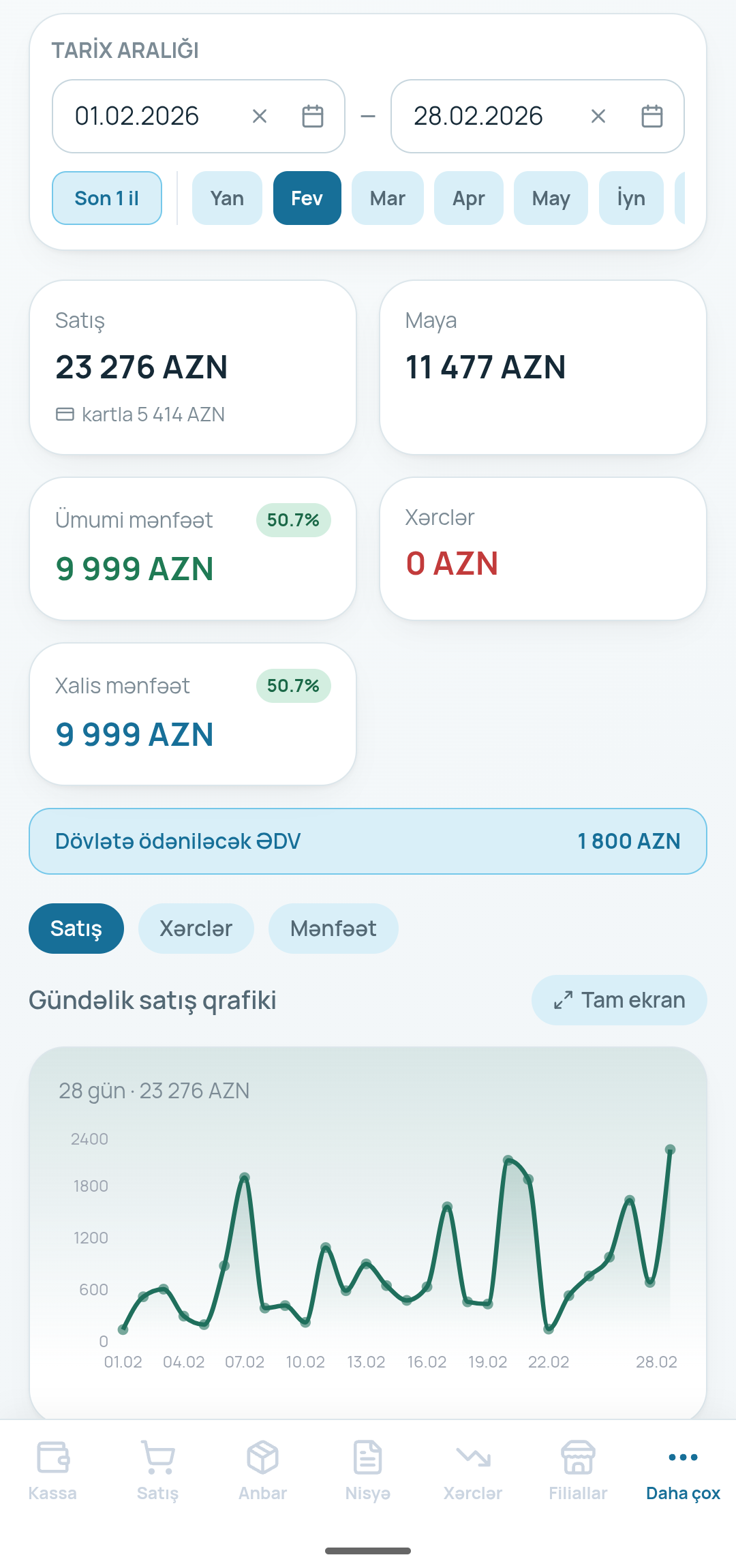
Sales, cost of goods, expenses and profit. Review your chosen period in one place.
Pick a product, add it to the basket and record the payment. Keep your sales history close at hand.
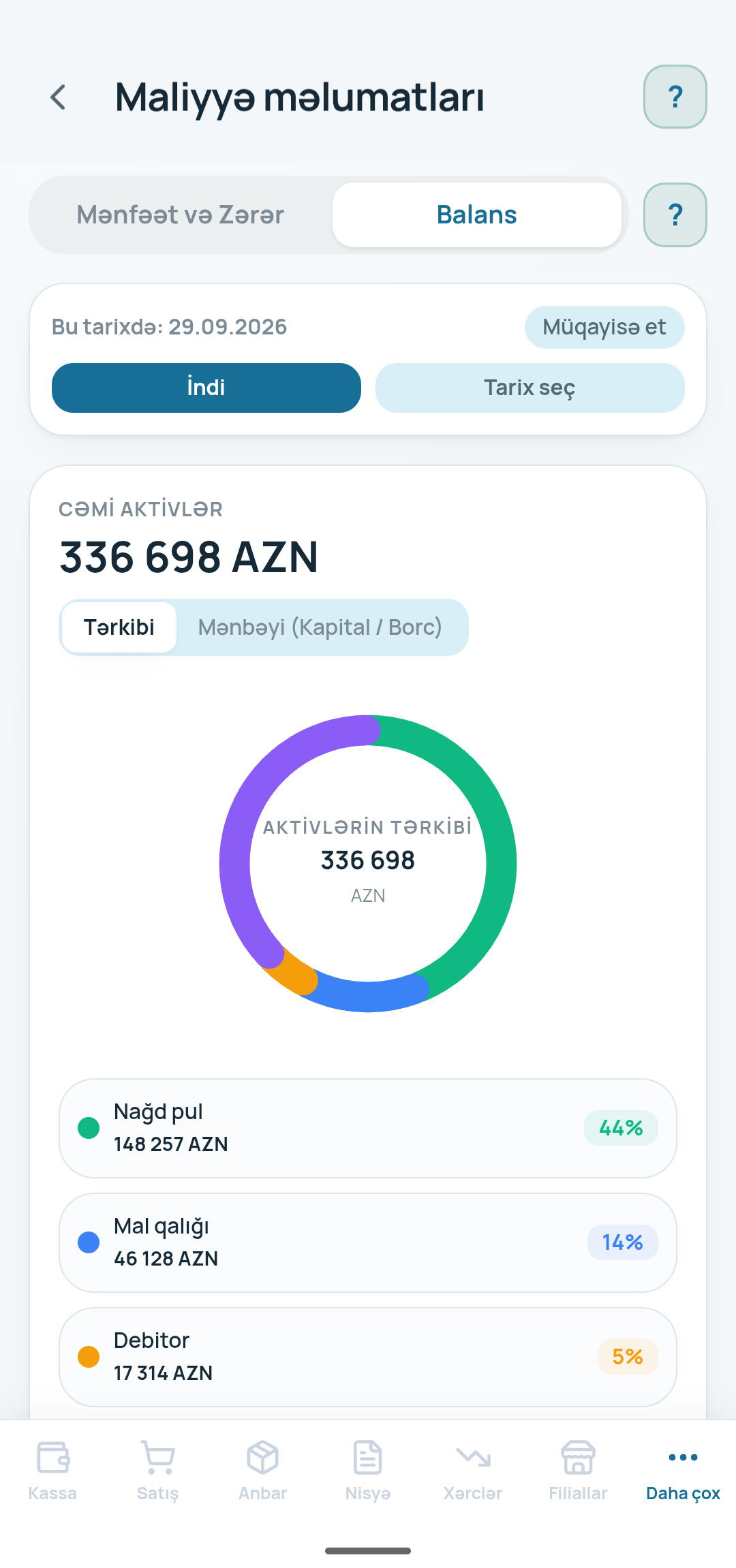
Review cash, inventory and liabilities in one place. See the picture behind your numbers.
Amounts shown belong to the screenshots; they are not a promise of results or income.
VIDEO GUIDE · CUSTOMER CREDIT
An 85-second guide to adding a customer, recording a balance and managing customer credit. This detailed tutorial is in Azerbaijani.
Watch the guideA SIMPLE FIRST STEP
Start with your email and shop name. Already have an account? Just log in.
Enter a product name, price and opening stock quantity.
Complete a sale, then follow the changes to your cash and stock.
ONE ACCOUNT. TWO WAYS TO WORK.
Start on your phone and continue on your computer. The Android app and web workspace use the same shop account.
Now available on Google Play.
Alternative: download APKA direct APK download is also available. Android may ask you to allow installation from your browser.
Workspace languages: Azerbaijani and Russian.
Small shop and business owners who want to keep sales, inventory, customer balances and daily expenses together.
No. Use the same email and password in the Android app and web workspace. With an internet connection, you work with the same shop’s records.
Use “Log in” at the top of the page. There is no need to create another account or transfer your records.
Some previously loaded records may remain on your device. Use an internet connection to complete sales and synchronise between devices.
Plans and paid modules are being developed. Contact us on WhatsApp for current terms of use.
Yes. Send us a message on WhatsApp and we can walk through the first steps for your shop.
YOUR NEXT STEP
Bring your everyday bookkeeping together in eMuhasib.